

 Français
  Español
  Deutsch
  Italiano
  Português
 Improving a Prompt Through Iteration: The Step-by-Step Method
Four rounds of correction on a real case, how to phrase each piece of feedback, when to start over and how to lock in the final prompt for reuse.
The right prompt rarely comes on the first try, and it doesn't need to. The first answer is mostly there to show you what you hadn't specified. The common mistake is to string together "no, redo it" until you get tired, then conclude that the AI can't do it.
Let's follow a tile installer who wants an "About" text for his website, over four rounds of correction. The case is fictional, but the problems he runs into are ordinary.
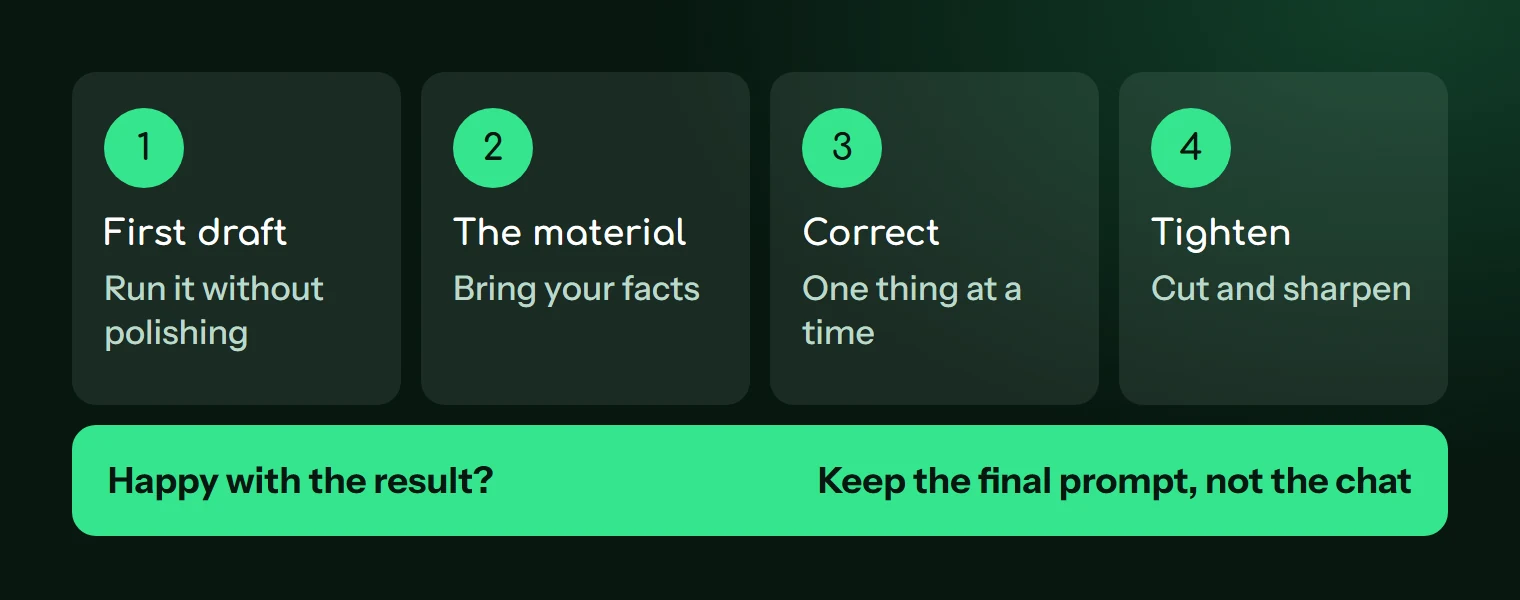
Round 1: send a first draft, without polishing it
He starts from this prompt:
Write a text for the About page of my tiling company's website.
The answer talks about a "passion for quality work," "craftsmanship" and "one-of-a-kind projects," without a single real fact. Nothing unusual: he didn't supply any.
Before replying with anything, classify the problem. Four diagnoses cover most cases, and each calls for a different fix.
| What's wrong | What to do |
|---|---|
| The substance is wrong or generic | Add material: facts, notes, documents |
| The tone or level isn't right | Describe the reader or show an example |
| The structure is bad | Give the outline or impose the format |
| The task is misunderstood | Re-explain the goal, often by starting from scratch |
Here, it's the substance. There's no point asking for a different tone on a hollow text: you'd get hollow in another tone.
Round 2: bring in the material
This text is too generic. Rewrite it with these facts, and don't add any information that isn't in them:

- I work on my own, with an apprentice for the past two years
- I mostly install bathrooms and patios, for homeowners, around [CITY]
- I come out to measure before giving a quote
- I protect the floors and leave the job site clean every evening
- what clients tell me most: I let them know when I'm running late
The new version contains real information, but it sounds like a brochure, with phrases like "drawing on my years of experience." The diagnosis changes: the substance is good, the tone is the problem.
Round 3: fix one thing at a time
Useful feedback quotes what's wrong and says what to keep.
Keep the facts and the order. The tone is too promotional. Remove "drawing on my years of experience" and all phrases like it. Write like a tradesman introducing himself to a customer on their doorstep, with short sentences, in the first person. Example of the tone: "I stop by to measure before I quote. That way, no surprises on the estimate."
If you change the tone, the length and the structure in the same message, you won't know what caused the improvement or the decline. Moving forward in small corrections takes a few more messages and gives you better control.
The text is good, but it's 200 words long and the tile installer wants the essentials to fit on a phone screen.
Round 4: tighten
Cut it to about 90 words. If you have to trim, keep above all the visit to measure and the fact that I let clients know when I'm running late. The first sentence should say what I do and where.
What's left is to check that everything is true. After enough rewrites, a detail can creep in that you didn't supply, like a warranty, a number or a founding year. Reread the final version as if you'd never seen it, because you're the one signing it.
When to stop correcting and start over
A conversation keeps a record of what was said in it, including the dead ends. After a few rounds, the AI may mix old instructions with new ones, or fall back into a flaw you had corrected. A few signs tell you it's time to open a new one:
- You're making the same correction for the third time.
- The answer rests on a false assumption that appeared early in the exchange.
- You changed goals along the way.
- A detail you already removed reappears for no reason.
Starting over doesn't mean losing your work. You now know what to ask for, and this is the moment to condense all of it into a single prompt.
Turning the exchange into a reusable prompt
After four rounds, the text is good, but the know-how remains scattered through the conversation. Ask the AI to pull it together:
Based on our entire conversation, write a single prompt that would have produced the final text directly, with no corrections.

Include every instruction I gave you and every flaw to avoid. Replace whatever changes from one case to the next with variables in [BRACKETS]: for example [BUSINESS], [CITY], [FACTS].

Below the prompt, add a list of the things you had to infer and that I should verify.
Test this prompt in a fresh conversation, with a different case. If the tile installer tries it for a plumber colleague's page, he'll see what was specific to his own case and what really belongs to the prompt. The checking method is detailed in our guide to testing a prompt, and once validated, the prompt can join your template library.
This consolidation is a form of meta-prompting, but the result is only worth what your review makes it: the AI can forget an instruction or add one.
Reopen the last conversation where you had to make several corrections and send it this consolidation prompt. You'll walk away with a template to test on your next case.
Read next
Getting started
Prompt glossary: the words you need to know
Token, hallucination, few-shot, system prompt, RAG, agent: 35 words from the AI vocabulary explained simply, with an example and the article to read next.
6 min read

Getting started
Build Your Library of Reusable Prompts With Variables
Stop digging through your history. Turn your best prompts into templates with variables, store them simply, and keep only the ones that get used.
5 min read
Getting started
Your Prompt Isn't Working: A 5-Question Diagnosis
Generic, off-target, too long, or wrong answers: five questions to ask yourself, in order, to find what's wrong with your prompt.
3 min read